Menus
Design Section
Design Section
The Print and Statistics Design Section features the following fields.
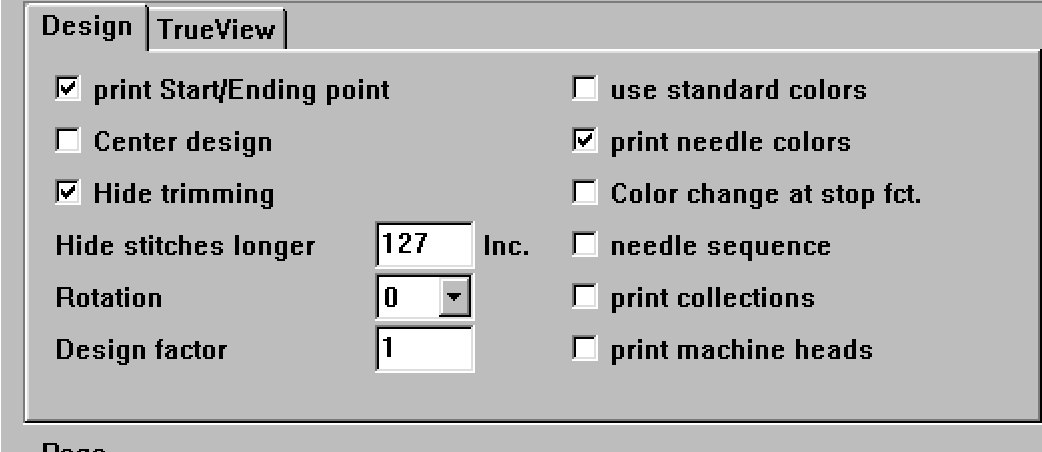
print Start/Ending point
If Activated the Start and End point are marked by a cross in the pattern.
Center Design
If this option is active the design is centered on the page, i.e. it is printed in the
very middle of the page.
But it is possible to move it on the page in the preview mode with the right mouse key
Hide Trimming
Design Factor
If you insert a value here, all displayed designs are scaled with this factor, so
you can compare the size of them. But the effect that large designs do not fit
into the displayable space may occur. Just a part of them will be displayed. If
you want to have all designs completely visible, you should turn on the
switch best factor