Getting Started
install
Install basepac
Download
- Download the latest version from this link https://www.zsk.de/en/software/basepac/basepac-downloads.php
- Optional Folow the download and installation video here: https://www.youtube.com/watch?v=oDQk53_Glls
Install Steps
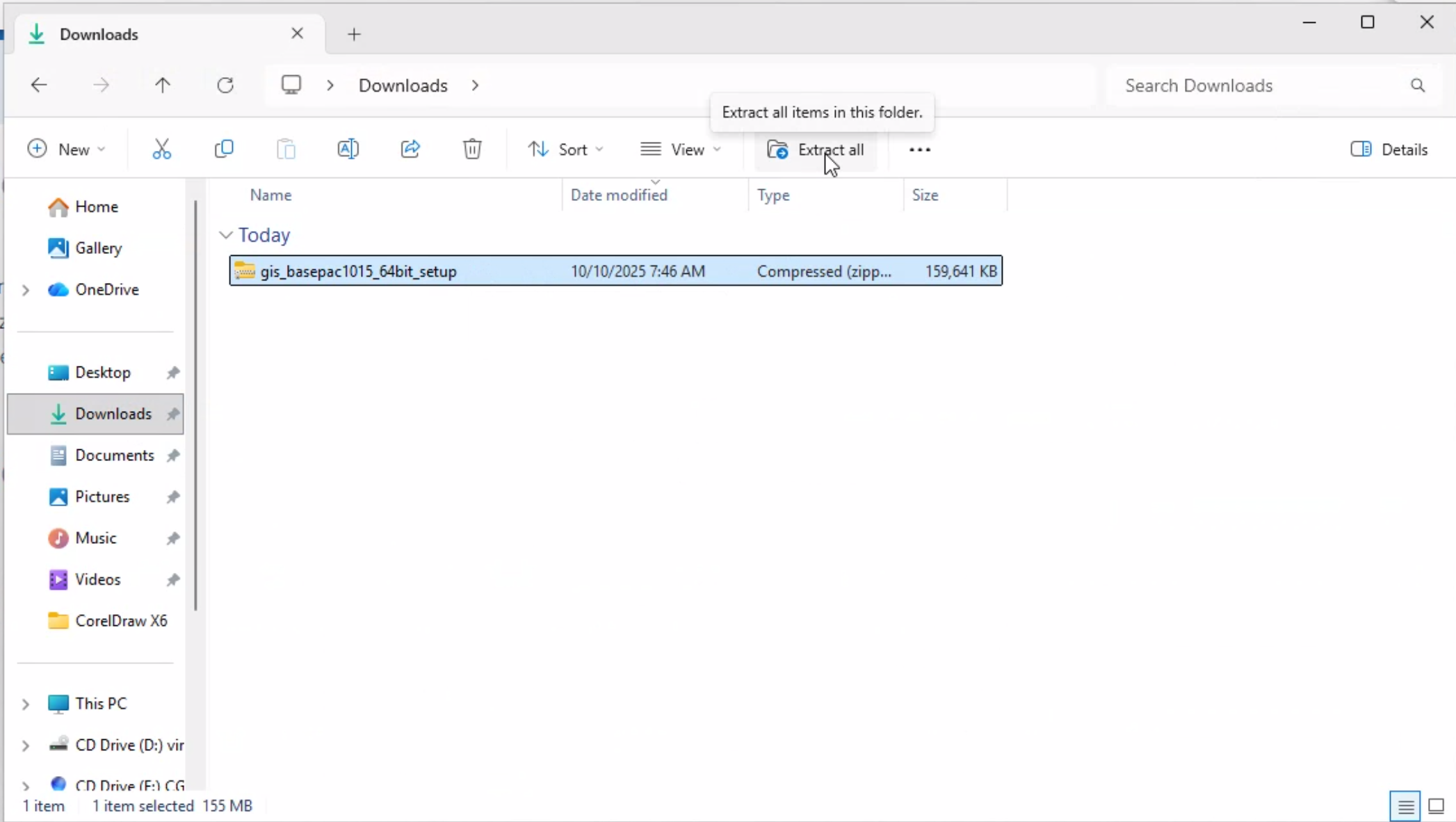
1. Open downloads folder and Extract contents of zip file.
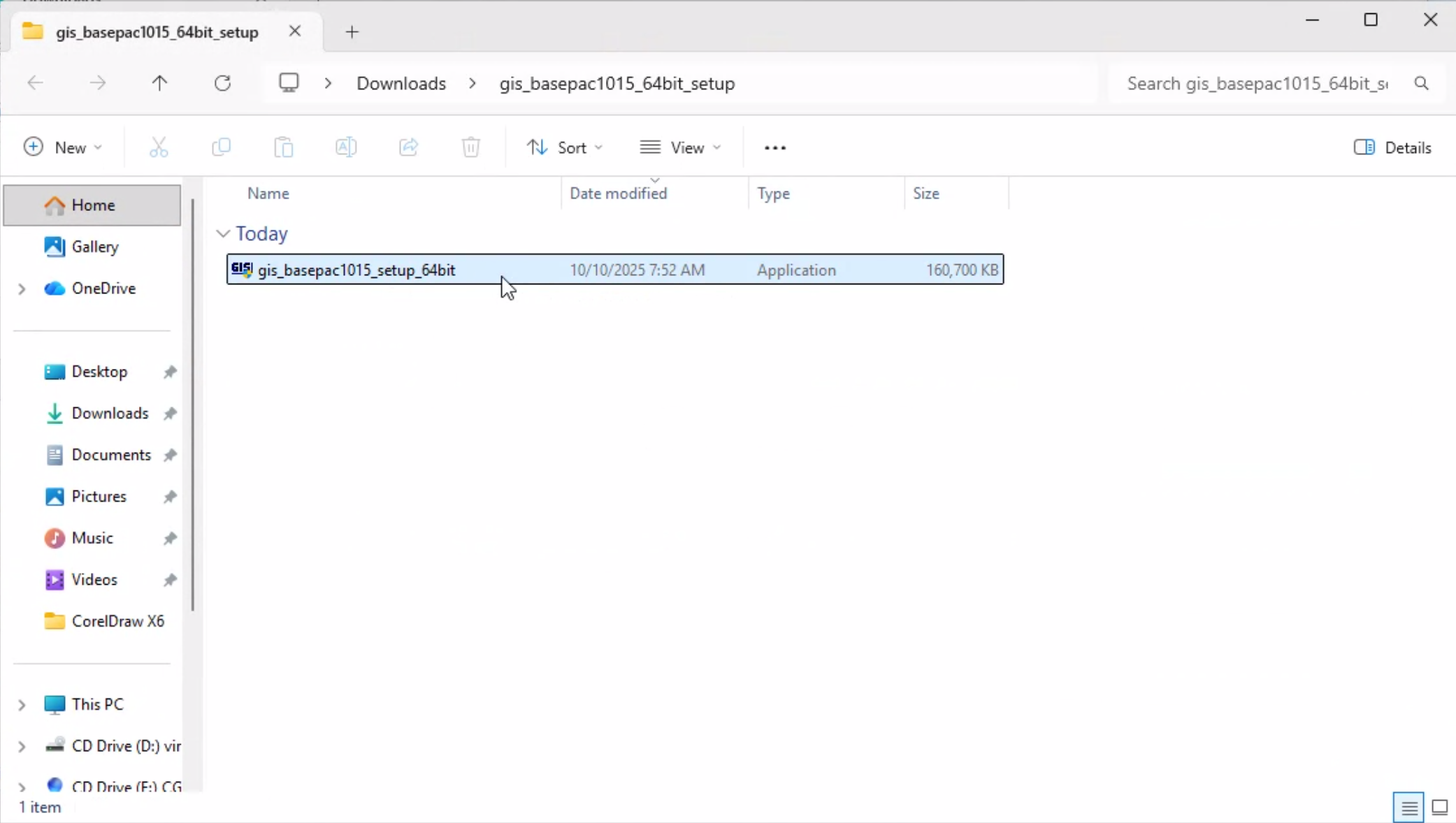
2. Double click on Installer .exe file
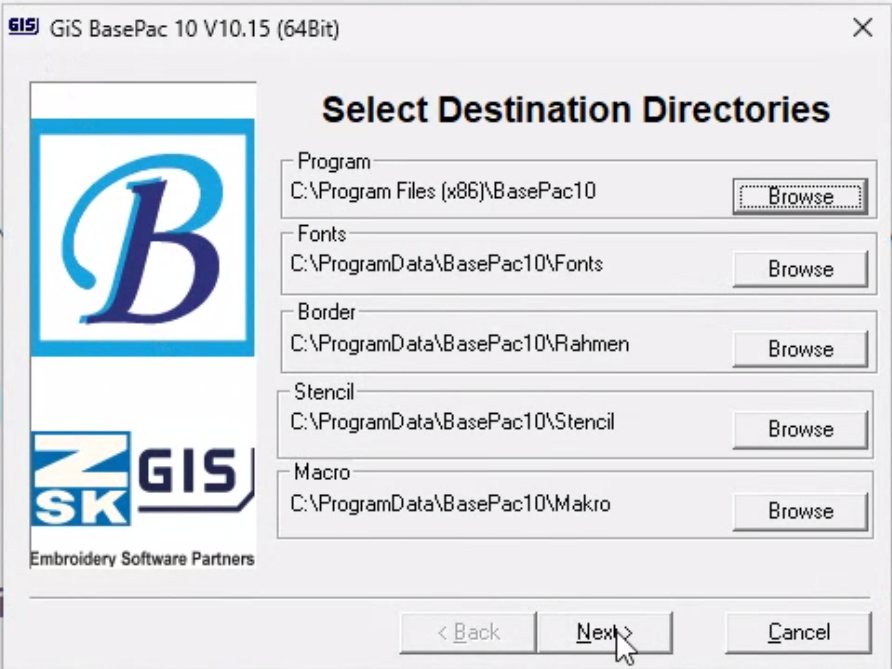
3. On destination directories click next
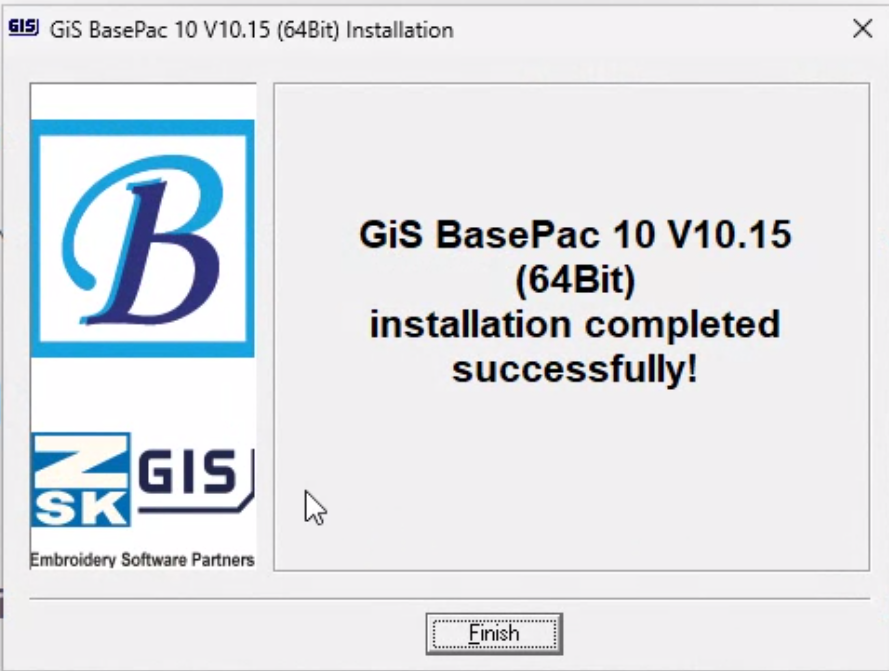
4. Install Successful Click Finish and Reboot PC
Launching the Program and Finishing Install
1. Launch the program using the desktop Icon

2. Insert Password Provided by Email on Purchase
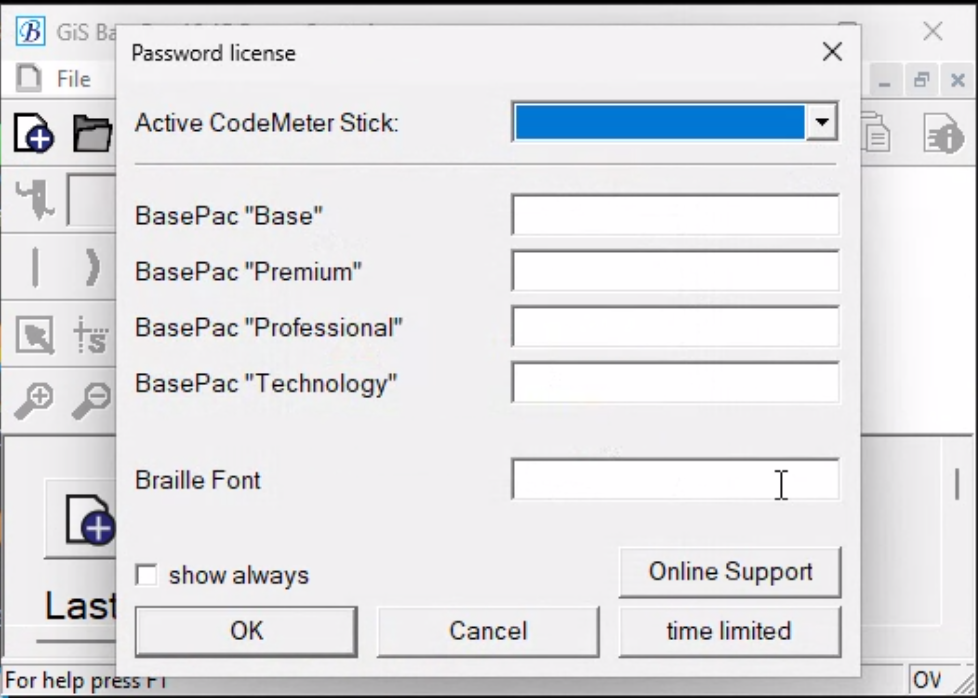
You have successfully installed Basepac on your System
- you should now see the desktop for basepac
Troubleshooting
- Installer blocked by antivirus → whitelist the installer and retry.
- CodeMeter not found → reinstall CodeMeter and reboot.
Tags
#